



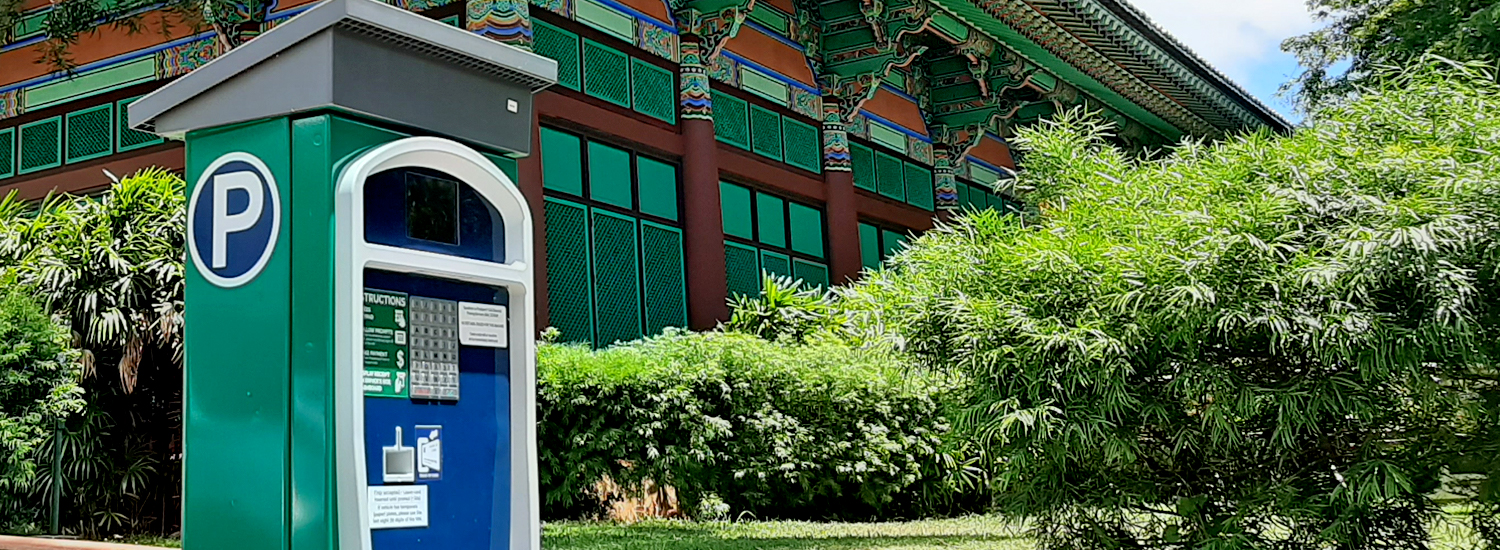
The University of Hawaiʻi at Mānoa provides visitors with a variety of parking locations within walking distance to any campus destination. As part of our institutional commitment to environmental sustainability, we would also like to encourage you to consider alternatives to driving to UH Mānoa alone. Please see the pages under Alternative Transportation for other commuting suggestions.
No charge for parking in all zones on Saturdays, Sundays, and State Holidays. Athletic and special events do have parking fees in the evenings, weekends and holidays (except UH Mānoa graduation). Permit regulations are enforced 24/7 in Zones 8, 19, and 21. If you are attending an event, please check with your event coordinator to confirm parking arrangements.
Special instructions for delivery, vendor services, consultants, and contractors.
Where to Park
VISITOR GREEN STALLS
$3 PER HALF HOUR (6 AM – 4 PM)
$1 PER HOUR (4 PM – midnight, upper campus only)
$25 FLAT RATE (6 AM – midnight)*
- Pay at pay station. Credit card only. Cash not accepted.
- Subject to special event restrictions.
*$25 Flat Rate not available at Varney Circle, Campus Center, and Biomedical Sciences Lots; limit to 3 hour maximum.
✅ Daily re-entry allowed
Non-refundable
Non-transferable
No overnight
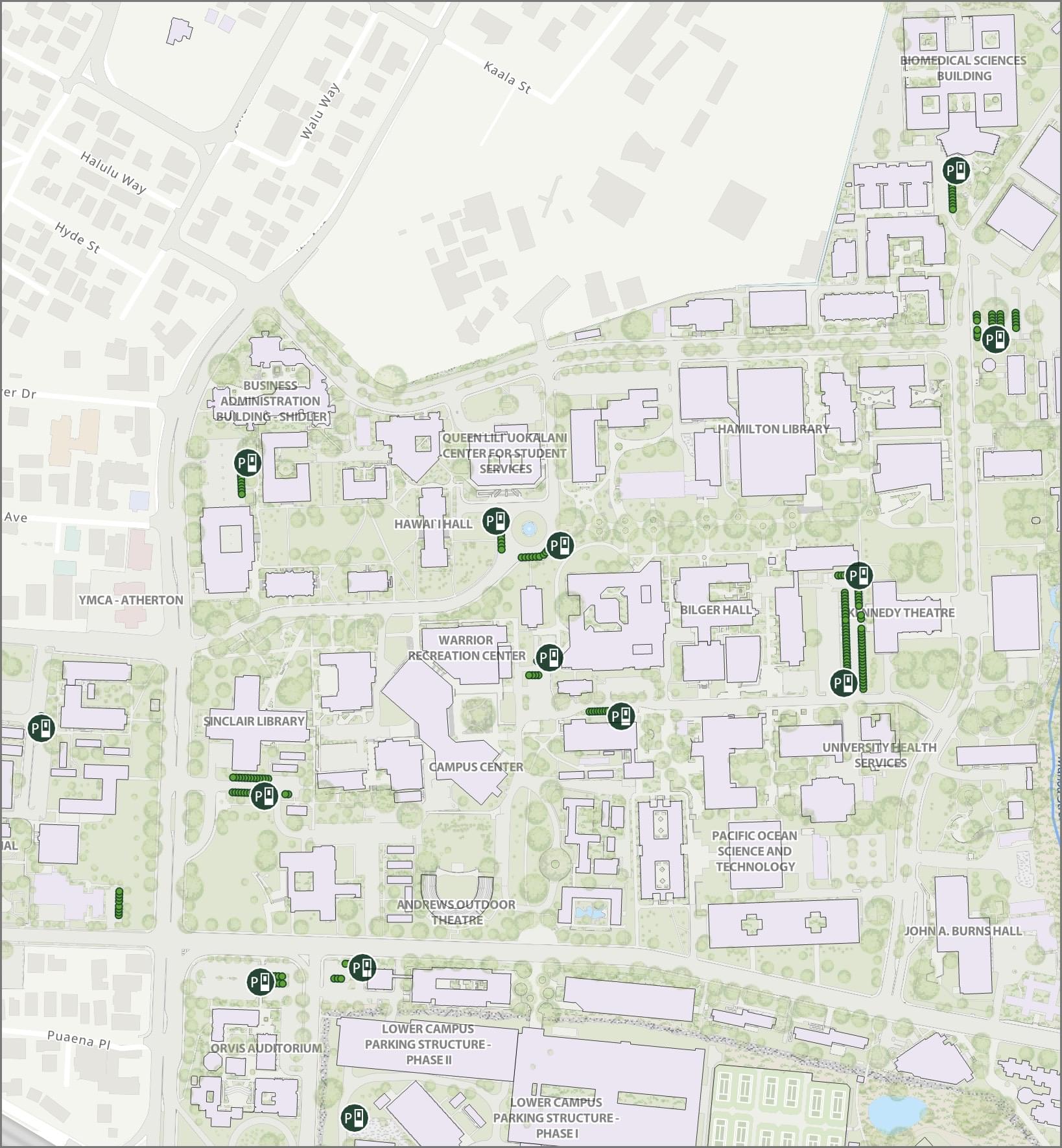
ZONE 20 (LOWER CAMPUS PARKING STRUCTURE)
$5 FLAT RATE (excluding event parking)
- Pay at kiosk upon entry. Credit card only. Cash not accepted.
- If no attendant in Kiosk, please use Pay Station at Klum Gym.
- Hours valid: 5 AM – midnight
- Subject to special event restrictions.
Note: Daily sales for parking in the lower campus structure may be temporarily suspended if capacity is reached. Those paying for daily parking should plan ahead, especially weekday mornings during the peak hours of 8:30 AM to 11:30 AM.
✅ Daily re-entry allowed
✅ Valid on Upper Campus after 4pm
Non-refundable
Non-transferable
No overnight
 Entrances:
- From Dole St. to Lower Campus Rd.
- From Waialae Ave. to Kalele Rd.*
* May 13, 2024 – August 16, 2024, Waialae gate permit entrance only
View Zone 20 in campus map
ZONE 22 (DOLE ST. PARKING STRUCTURE – FIRST FLOOR ONLY)
$5 FLAT RATE (excluding event parking)
- Pay at pay station. Credit card only. Cash not accepted.
- Hours valid: 6:00 AM – midnight
- Subject to special event restrictions.
✅ Daily re-entry allowed
✅ Valid on Upper Campus after 4pm
Non-refundable
Non-transferable
No overnight
 Enter from Dole St.
Parking For Mopeds and Motorcycles
- See Moped & Motorcycle page for more information.
Parking Pass Purchase & Display (Pay-to-Park)
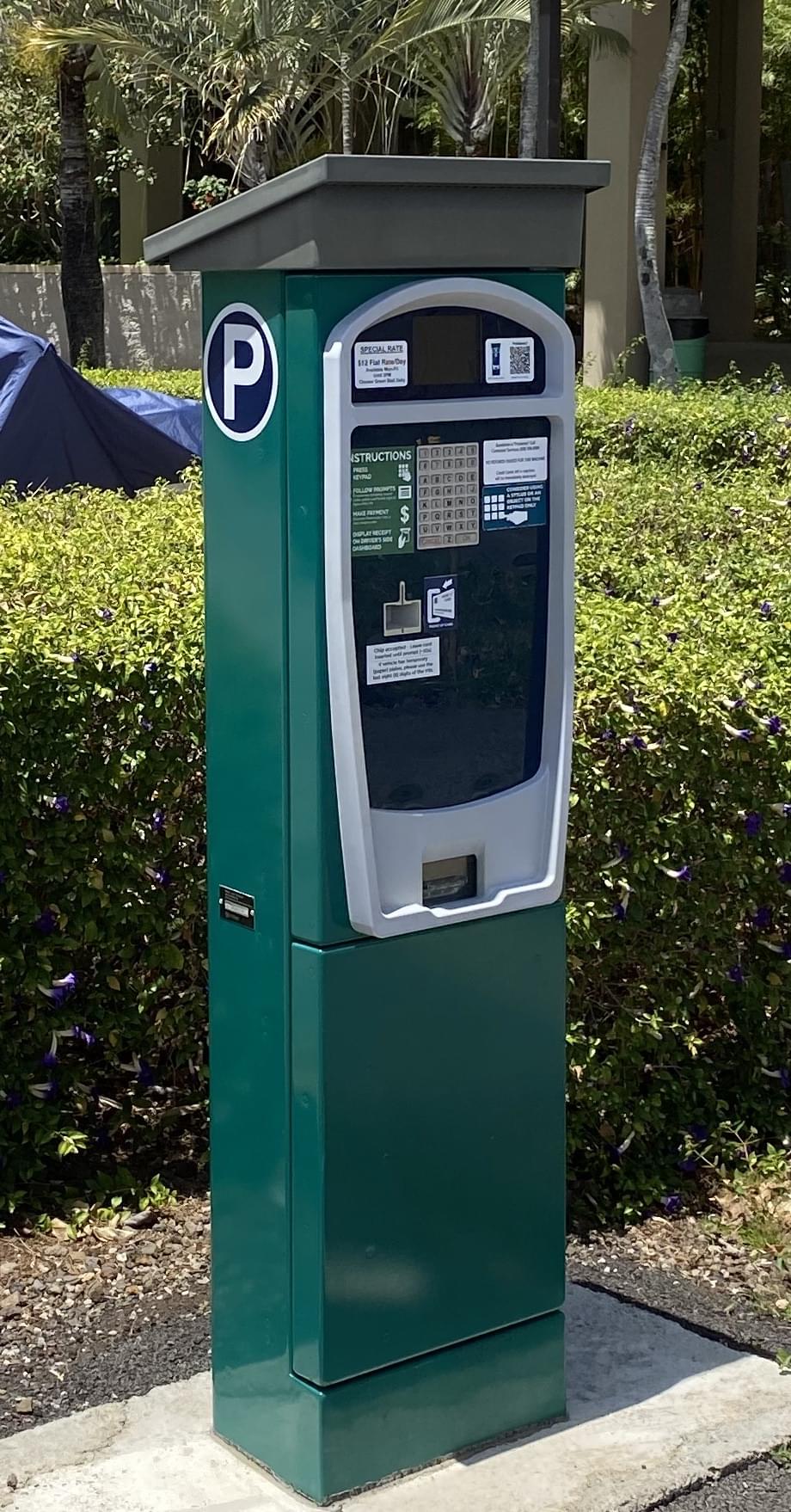
All Pay Stations open at 5 AM to allow for purchasing of visitor parking.
Payment is made at the Pay Stations located near the stalls in each zone. These Pay Stations accept credit cards; Discover, MasterCard and Visa. No refunds are issued for these machines. Click here for step-by-step instructions on using our Pay Station.
While parked, please display on the dashboard of your vehicle the permit ticket printed by the Pay Station. Make sure the expiration time is visible through the windshield.
When purchasing parking using our Pay Stations, you may enter your phone number at the end of the transaction to get a text message when your time is expiring. You may then elect to extend your parking session. Time may only be extended to the maximum allowed at that lot. Please read our FAQ – Extend-by-Phone.
More Information
Your daily parking permit is tied to your license plate / VIN. You will get a ticket if your LP/VIN is not in our system for the time that you are parked. Park in assigned zone, pay daily fee, and adhere to UHM Parking rules.
Student housing/dorm parking areas are reserved for campus residents only. Visitors are not allowed to park in the stalls located in these areas or in any stalls marked as 24-Hour Reserved Stalls.
Please familiarize yourself with UH Mānoa Parking Regulations and observe street and lot signs and markings while driving and parking on campus.
Commuter Services reserves the right to close parking lots, restrict entry to certain areas, and/or designate alternative parking locations as necessitated by special events and other circumstances.